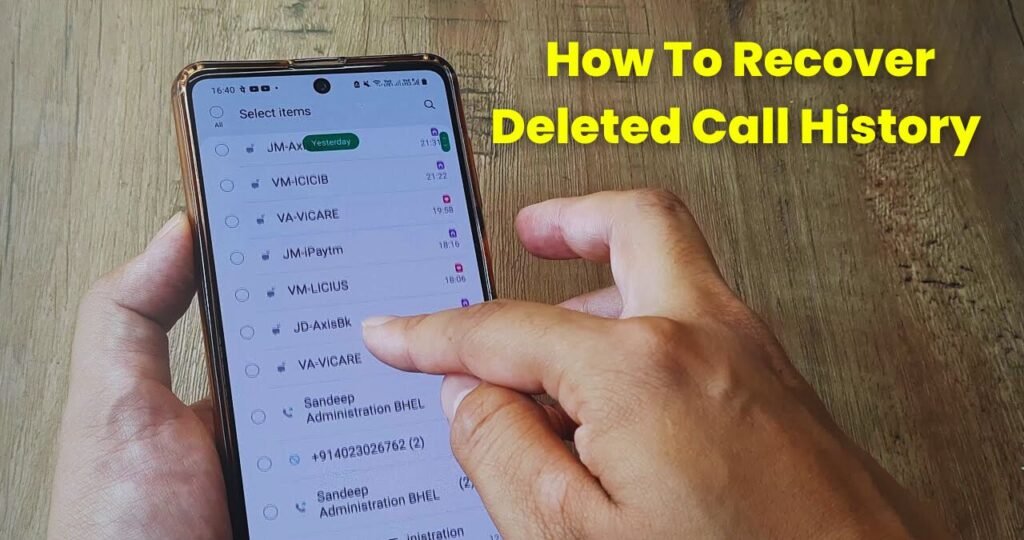
Imagine you’re using your phone and suddenly by mistake you delete the entire call log. After a few minutes, you remember that there was an important number in that call history and now you need it. At that moment, panic starts! This situation has happened to almost everyone at least once. Especially when a number was not saved and was only visible in the call log.
Now when the call history is gone, the big question is can it be recovered? And if yes, then how?
The good thing is that Android phones store data in a smart way, and many times, even after deleting something, it can still be recovered but only if you use the correct method.
Why Does Call History Get Deleted?
Most of the time, the call log gets deleted because of a mistake, but sometimes it disappears after a phone reset, system update, storage cleaner app, virus, or sudden phone crash. So first, don’t panic because deleted data on Android is not always permanently gone.
Can Deleted Call History Be Recovered on Android?
Yes, in many cases it is possible. If your call log was backed up in Google Backup or stored in the phone’s recovery system, then you can restore it. Some third-party data recovery tools can also bring back deleted call logs. But remember the sooner you try, the higher the chances of success. With time, new data overwrites deleted files and recovery becomes difficult.
Recovering Call History Through Google Backup
If you had Google Backup enabled before deletion, your call logs may already be stored in your Google Account. You just need to restore them.
When you factory reset or restore from backup in Android settings, Google Backup can automatically restore deleted call logs.
Also, if you switch phones and log in with the same Google account, call history may automatically return.
Many people never turn on Google Backup, which makes recovery harder.
If your call log is still safe and not deleted, turn on Backup now you’ll thank yourself later.
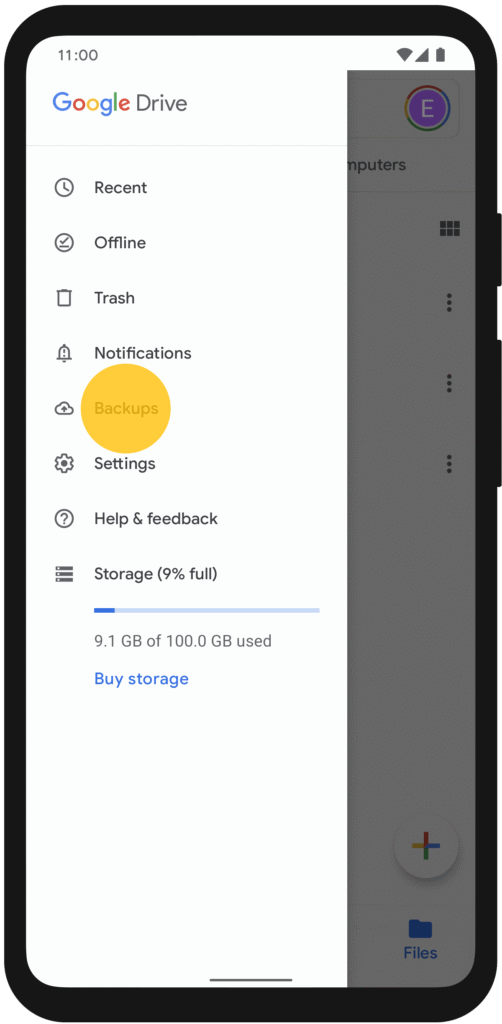
Recover Using Phone’s Built-in Backup Feature
Some Android phones like Samsung, Xiaomi, Vivo, Oppo, etc., have their own backup system.
If you have created a backup earlier, you can restore your call log easily. You may need to factory reset before restore, but this method increases the chances of recovering deleted history.
Using Android Data Recovery Software
If you did not take backup, still the story is not over.
There are many data recovery tools available that can scan your phone’s internal storage and retrieve deleted call logs.
These tools are installed on a PC or Laptop and scan the phone via USB connection.
They access the hidden part of storage where deleted data stays temporarily.
This method is a little technical, but sometimes it is the only possible solution to recover call logs.
Cloud Service or SIM Backup Can Also Help
Some phones sync call data or numbers to SIM storage.
You may not recover full call history, but some numbers may reappear.
If you ever synced contacts to Samsung Cloud, Mi Cloud, or Google Contacts, try checking there sometimes call details can be found indirectly.
When Call History Cannot Be Recovered
There are some cases where recovering call logs becomes nearly impossible, such as:
- When new data has overwritten deleted storage
- Factory reset without backup
- Complete system corruption due to virus
- Phone flashing or ROM modification
In such cases, recovery chances drop heavily. Professional data recovery services remain the final hope.
How to Avoid This Problem in Future
Once call logs are lost, we understand how important data actually is. So from now on, make some habits such as:
- Always keep Google Backup ON
- Take weekly backup of call logs
- Avoid giving unnecessary permissions to cleaner apps
- Think twice before deleting anything


Hii