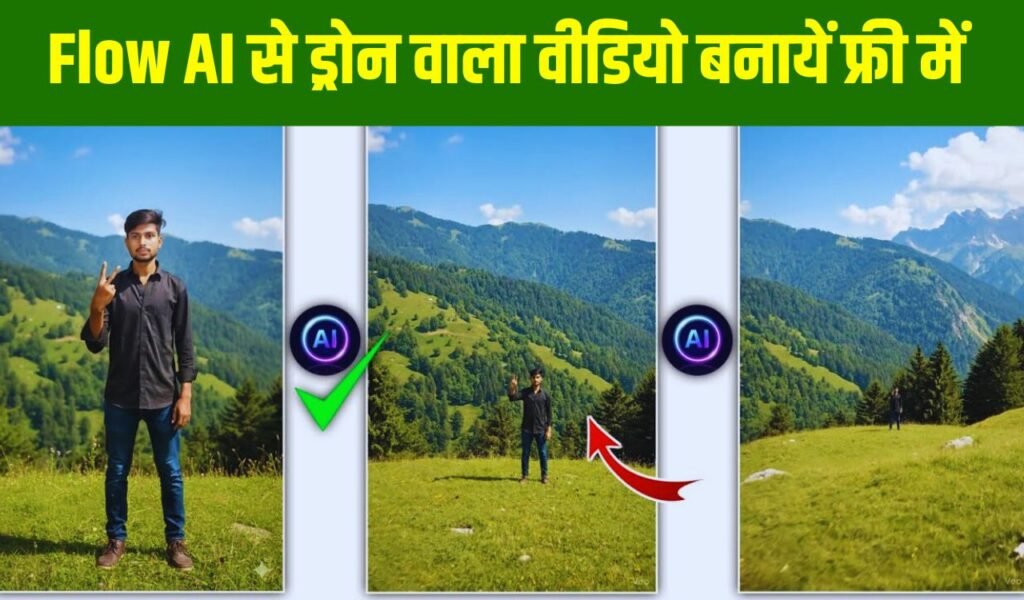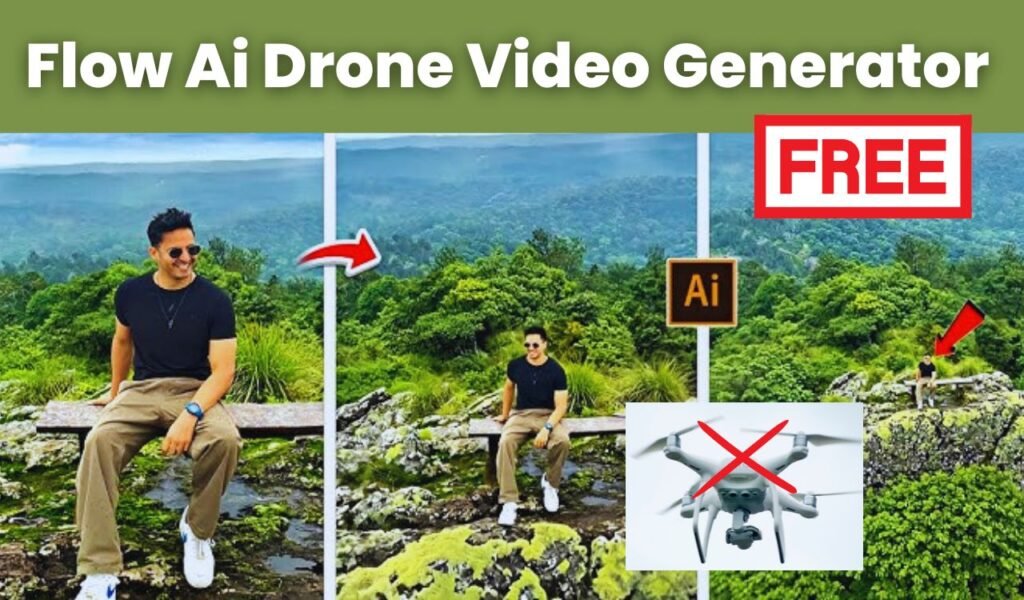
Flow Ai Drone Video Prompt: Imagine this, you click a simple photo on your mobile, type just one short prompt, and instantly that normal photo turns into a realistic drone shot without buying an expensive drone, without editing skills, and without spending a single rupee. Sounds unbelievable, right? But AI has made it completely possible. Now anyone can turn their photos into stunning drone-view videos in seconds.
Today, social media is full of creative shots, cinematic angles, and smart video effects. Drone shots look especially amazing because they give a wide, high-angle view. But not everyone owns a drone, and renting one is not always easy. That’s where Google’s AI tool Google Flow comes in. It can convert your photo into a drone-style video with just a simple text prompt.
Let’s understand step by step how you can turn your normal photo into a drone shot video.
AI Magic: A Single Prompt That Creates a Drone Shot
Technology has reached a point where one line of text can completely transform your photo. Whether it’s a drone view, cinematic effect, movie-style clip, or a fantasy background AI can generate anything instantly.
Google Flow’s Text to Video feature works exactly like this. It takes your photo as a frame and uses AI to create a short drone-style moving video. All you need is the right prompt.
And the best part?
No app download.
No editing knowledge.
No money required.
Everything happens right inside your browser.
How to Start the Drone Shot Creation
To begin, simply open Google on your phone. You don’t need any special software.
Open your mobile browser and search: “Google Flow”
Click on the first link that appears. This is Google’s powerful AI tool. After the page opens, sign in using your Gmail account so your creations can be saved safely.
Once you’re logged in, you’ll see several creative options. From there, select: Create with Flow → Text to Video
This is where the real transformation begins.
Upload Your Photo – Just One Click
Inside Text to Video, choose the Frame to Video option. This feature takes your single photo and converts it into a moving video.
You’ll see a plus (+) button at the bottom. Tap it to upload your photo.
You can choose any picture full body, half body, outdoor, indoor, selfie everything works perfectly.
After uploading, you can crop the photo if needed to focus on the main subject. Cropping is optional but helpful if you want the video to highlight you more clearly.
Type a One-Line Prompt – And Let AI Work
After uploading the photo, a text bar will appear. This is the most important step because the prompt decides how your video will look.
You don’t need a big or complicated prompt. A simple one works perfectly:
“realistic drone shot”
Just type this and press the Send button.
The AI will analyze your photo, understand the scene, and start generating a drone-like movement. It takes only a few seconds to load, and then your video will be ready.
Your Drone Shot Video Is Ready in Seconds
Once the processing is done, your video will appear on the screen. The effect looks just like a drone flying around you from above. The AI adds smooth motion and adjusts the background to make the video look dynamic and professional.
You can instantly play it to see the result.
If you like it, you can download the video and share it on Instagram Reels, Facebook, WhatsApp, or YouTube Shorts.
Why This Feature Is So Amazing
The biggest advantage is that AI gives your normal mobile photo a real drone-look video—without any equipment or editing skills.
Here’s why it’s special:
- Even normal photos look like real drone shots
- Creates smooth 3D movement automatically
- Completely free
- Very easy to use
- Perfect for social media content
- Works within seconds
Earlier, drone videos required expensive cameras or hiring a professional. But now AI does the same job instantly with just one line of text.
Conclusion
If you love creating stylish, unique, and professional-looking videos for social media, this AI trick will be extremely useful for you. Your simple photo can turn into a drone-style video simply by typing the prompt “realistic drone shot.”
Google Flow makes the whole process super easy no apps, no editing, no extra cost. Try it today, and you’ll be amazed at how your mobile photo transforms into a brilliant drone-shot video.