Imagine this you use Instagram every day, post reels, upload photos, chat with friends, and then one day your account logs out. You try to log in again and suddenly realize oh no. You don’t remember the password. That’s when panic starts How will I get my account back? What if I lose all my followers? Years of effort all gone?
If you’re also stuck in this situation, don’t worry. In this article, I’ll tell you simple and calm steps that will help you recover your forgotten Instagram password or reset it. Just read carefully and follow the steps your Instagram account will be back in your hands within minutes.
Forgetting Your Instagram Password Is Normal
Every day, millions of people forget their passwords. Today, no one uses just one or two passwords every app requires a different one. Some ask for capital letters, some lowercase, some numbers, some special characters So forgetting a password is completely normal.
That’s why Instagram has created an easy recovery system so you can get back into your account without struggle. All you need is the email or phone number you used when creating the account.
The Easiest Method: Forgot Password Option
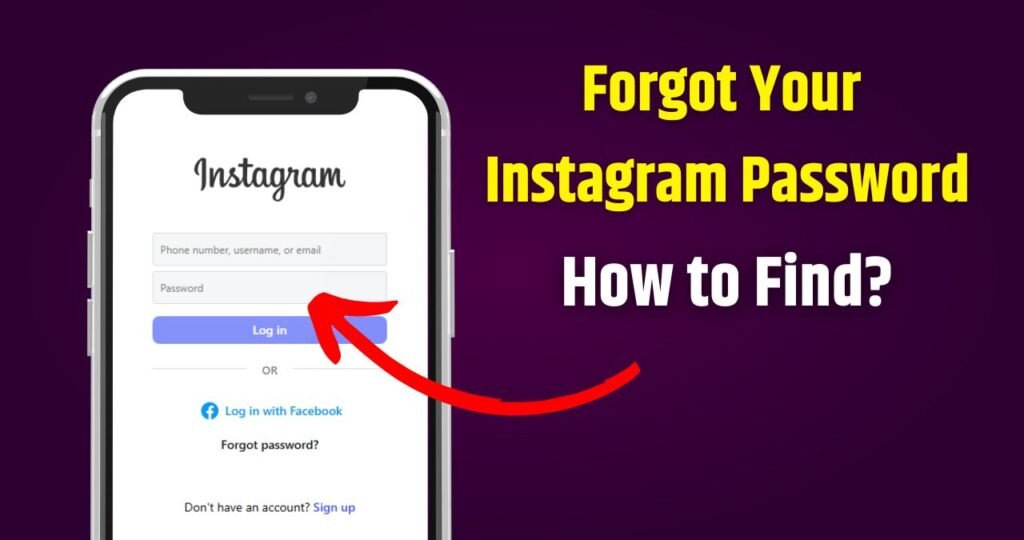
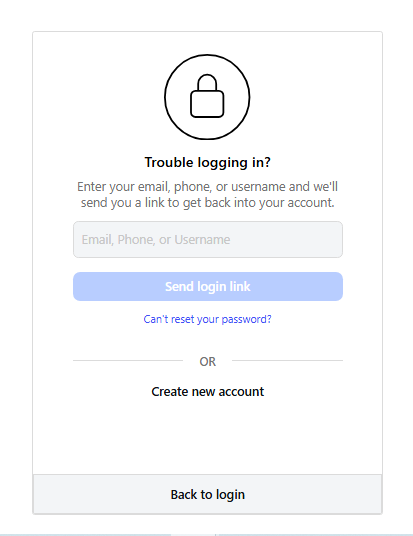
If you’ve forgotten your password, the first step is using the Forgot Password option. When you open Instagram (app or website), on the login page you will see ‘Forgot password?’ Tap or click on it. Instagram will ask for your email, username, or mobile number enter whichever one you remember.
Instagram will send you a link to reset your password. This link will come through email or SMS. Open it, set a new password, and your account will be yours again.
Reset Password Using Mobile Number
Most people today use their mobile number to run their Instagram account. If you remember the number linked to your account, this method is the simplest. Enter the number in the Forgot Password option, and Instagram will send a code (OTP). Enter the code and create a new password.
No technical knowledge needed just enter the OTP correctly, and you’re back on Instagram.
Reset Password Using Email
If your account wasn’t linked to a mobile number or the number has changed, then the email option will help. Enter your email in the Forgot Password section. Within a few seconds, you’ll receive a mail: Reset Your Instagram Password
Open it, click the link, create a new password and done!
Sometimes emails land in Spam or Promotions folders, so check there too.
Username Also Works
Sometimes neither the number nor the email is remembered but username? That’s hard to forget because it’s your identity.
Enter the username in Forgot Password. Instagram will show which email or number the reset link is being sent to. If it’s correct, proceed and reset the password.
What If You Don’t Remember Anything?
Sometimes the number and email don’t work especially when people create accounts with fake details or later change their number. But don’t panic there’s still hope.
Instagram has a Need more help? option. Tap it and a form will open where Instagram will ask:
- Your Instagram username
- Details about your account
- And sometimes verification from a device you previously logged in with
Sometimes Instagram may also ask for a selfie video verification to confirm ownership.
It takes a bit of effort but the account is usually recovered.
Login Through Facebook
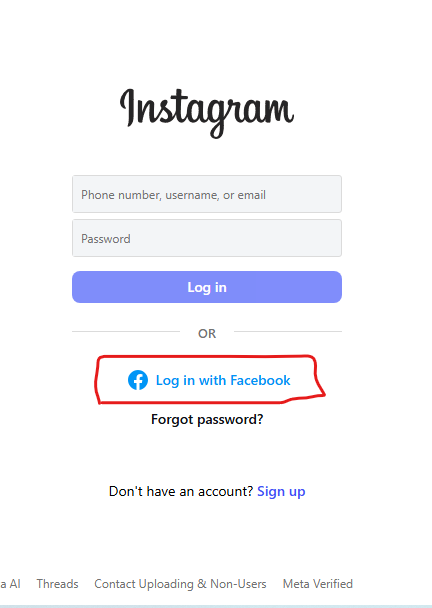
If you ever linked your Instagram account with Facebook, you can simply log in using Facebook. Just click on Login With Facebook.
Your account will open instantly and then you can set a new password inside.
Google Password Manager Help
Many people don’t store passwords in their brain they store them in their phone or browser. If you did the same, check Google Password Manager. You may find your saved Instagram password there and log in instantly.
If Your Account Is Hacked
Forgetting a password is one thing but sometimes the password is known, yet someone else changes it. That means the account is hacked.
In this case, go to login screen after this Get help logging in select My account was hacked.
Instagram will verify your identity and then help you reset your password. This is why enabling 2-Step Verification is important it keeps your account safe.
How Should the New Password Be?
Whenever you create a new password, make sure it isn’t easy to guess. Names, birthdates, or simple passwords like 123456 are huge mistakes.
Create something that is secure and unique:
- Uppercase + lowercase letter
- Numbers
- Special symbols
And never share your password with anyone.
How to Avoid Forgetting Your Password Again
Once you recover your account, take some precautions. Write your password somewhere safe or use a password manager.
Also, if you ever change your phone number or email, update it in Instagram immediately so recovery becomes easy in the future.