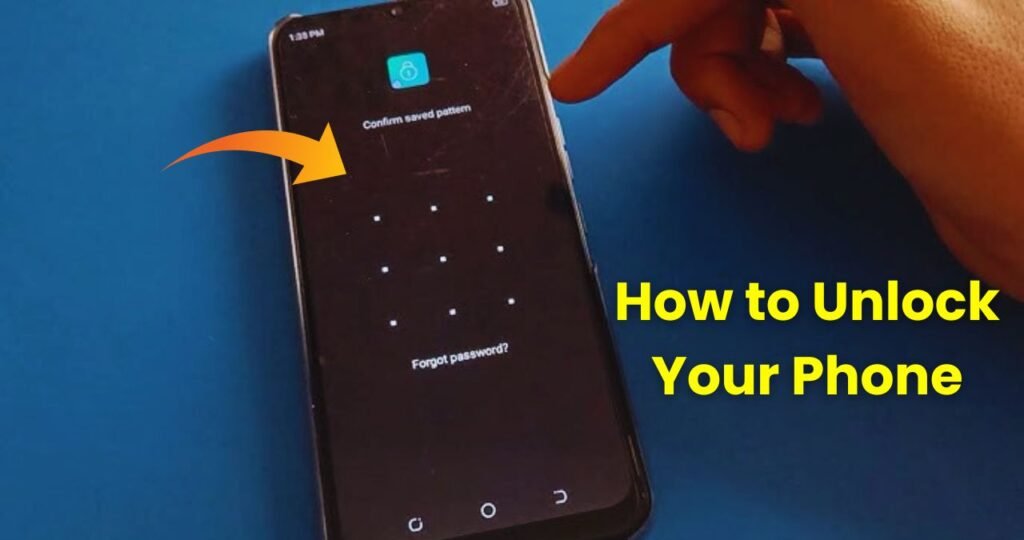
Imagine you wake up in the morning, pick up your phone, and as soon as you start entering the password you suddenly can’t remember what the lock was. Sometimes we forget the PIN, sometimes the pattern gets confusing, or the face lock doesn’t work. In that moment, the only fear is how will the phone unlock? Our phones contain photos, WhatsApp chats, banking apps, and many important things. So forgetting the password feels like a big tension.
But no need to worry! Today we are going to tell you all the methods through which you can easily remove the screen lock of your phone. Just remember which method works best for your type of phone.
Why do we put a Screen Lock and why do we forget it?
Nowadays, mobile phones are not just for calls and messages they are the backup of our whole life. That’s why people think it’s necessary to set a screen lock. But sometimes the password becomes so complicated that even we forget it. The most common reasons are:
- Changing the lock pattern after buying a new phone
- Trying to unlock the phone after many days
- Habit of using fingerprint or face lock instead of typing password
- Using smart lock features, so no need to enter password often
So if your phone is locked and you forgot your password, pattern, or PIN now let’s move toward the solutions.
What to do if you forget the password on an Android phone?
If your Android phone is locked, there are several ways to unlock it. The easiest method is using your Google Account (Gmail). In some phones, after entering the wrong password a few times, a Forgot Password? option appears.
If you see it, just log in with your Gmail and set a new password. But many new phones have stronger security, so this option may not appear.
If your phone had internet enabled and Google Find My Device was active, then you can open the Find My Device website from another phone or laptop and reset your device. This will unlock the phone, but there is a chance your data may be deleted.
What if fingerprint or face lock isn’t working?
Sometimes you actually remember the password, but the sensor isn’t working. In that case, try:
- Restarting the phone
- Cleaning the sensor
- Waiting for a few minutes
Many times, due to security reasons, the phone gets temporarily locked. Waiting 30 seconds to 30 minutes gives you another chance to try.
Factory Reset
If none of the above methods work, the last method is Factory Reset. This resets the phone completely like a new device. The lock is removed, but data (photos, videos, chats, files) may be deleted.
To perform a factory reset, you must enter Recovery Mode. Every phone brand has a different button combination, but usually it is:
Power Button + Volume Up
or
Power Button + Volume Down
Once you enter Recovery Mode, select Wipe Data / Factory Reset. Then restart the phone it will unlock.
If a Google Account was logged in previously, after reset you may see FRP Lock (Factory Reset Protection), where you must sign in with the same Gmail. This ensures the phone is not stolen.
Samsung Find My Mobile Feature (For Samsung Phones)
If your phone is Samsung, you have an additional easy method. Samsung phones have a feature called Find My Mobile. You can log in and unlock your phone without deleting your data. You only need the Samsung account that was logged in on the phone. The best part is it removes the lock without resetting the device, so your data stays safe.
What to do if you forget the password on an iPhone?
If an iPhone gets locked and you forget the password, the unlocking method is different from Android. Apple is very strict with security.
If you forgot the password on your iPhone, you need to reset it through iTunes or Find My iPhone. If Find My iPhone was enabled in iCloud, just log in from any device and select Erase Phone.
After erasing, the iPhone will start setup like new, and if you have an iCloud backup, you can restore your data.
If there was no backup, the data may be lost, but the phone will unlock.